Select Area
Mark the walls, cabinets, trim, or other areas you want to change, while keeping the rest of your photo in view.
Meet your AI home paint & design visualizer.
Turn a photo into a new possibility. Before you change a thing.
No credit card needed · Your photo. Your imagination.
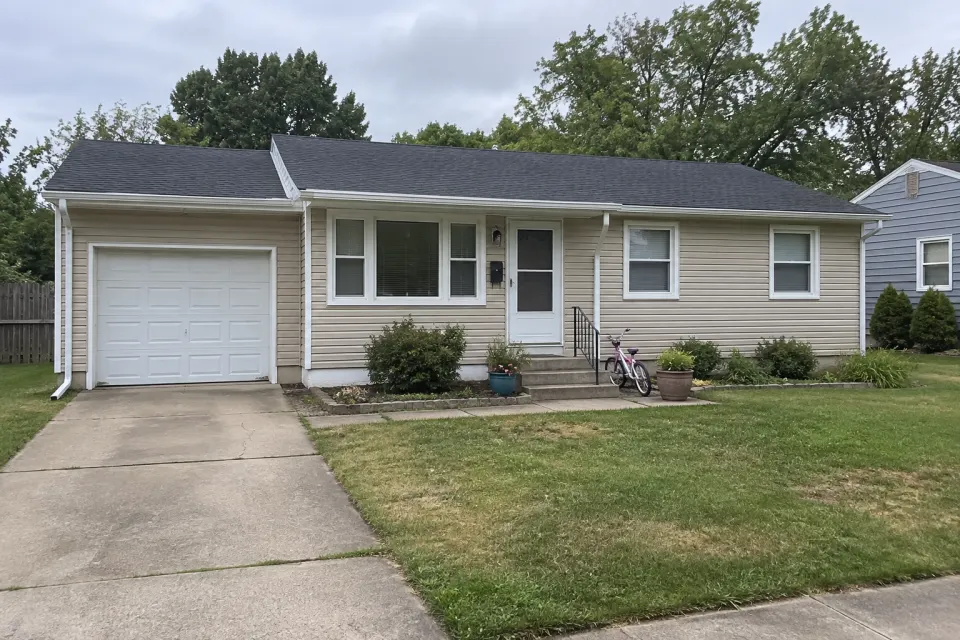
Example only. Upload your own photo to explore your space.
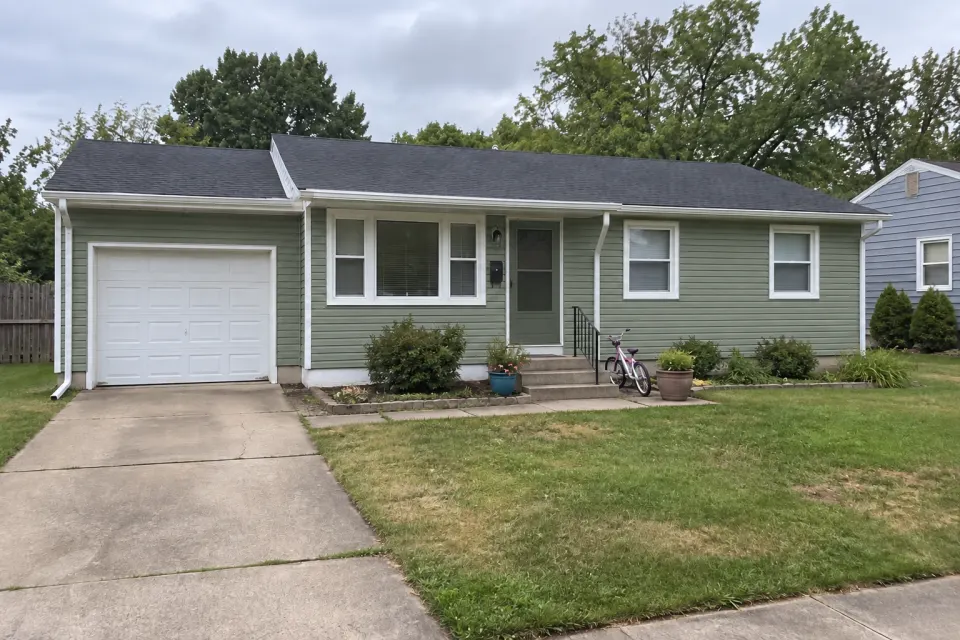 AI-generated example
Sage siding · deep green door
5,400+ colors to make it yours
A fresh coat. A bold new kitchen. A room that finally feels right. Start with your space and see where your ideas take you.
Use the dots to preview four directions on each photo. Click a photo for the details. Original AI-generated concepts; your results depend on your photo and instructions.
Start with a photo, then decide exactly what to change and how to share the result.
Mark the walls, cabinets, trim, or other areas you want to change, while keeping the rest of your photo in view.
Explore Sherwin-Williams and Behr colors, including the Behr 2026 Top 70 collection.
Keep the visualization together with the colors you chose for your next paint-store or contractor conversation.
Organize project images and prepare a branded PDF for clients or collaborators.
Pick a space and paint color, then move the slider to compare the same home.
Upload a photo of your room or home exterior. No floor plans or design experience needed.
Pick paint colors, select a surface, or describe your vision with a custom prompt.
Generate a new perspective, compare your favorites, and share the ideas you love.
Whether you are repainting your own room or showing someone what is possible, start with the questions that matter to you.
Preview walls, siding, cabinets, and doors before buying paint.
Read homeowner FAQs ↗02 / PAINTING PROSUse visualizations and project PDFs to discuss options with clients.
Read contractor FAQs ↗03 / REAL ESTATEExplore a property's look with a different paint palette.
Read real estate FAQs ↗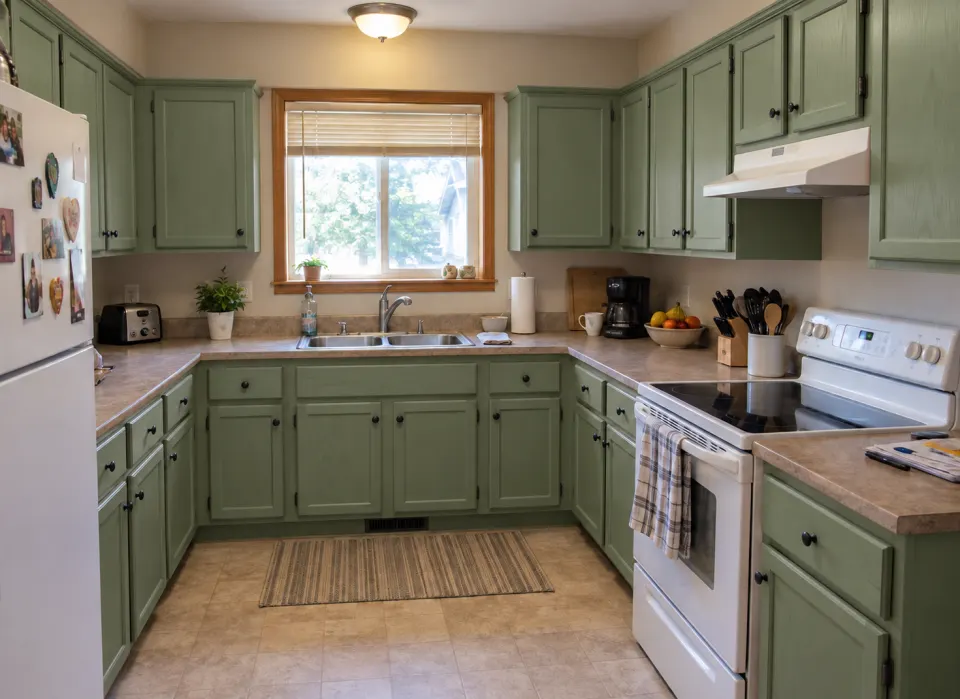
“Paint the oak cabinets a muted sage. Keep my countertops, appliances, and everything else where it is.”
● Your space, one change at a timeTry a new finish. Reimagine the cabinets. Explore a different mood. Custom prompts give your ideas room to grow.
Try it for free. See the pricing page when you are ready for more visualizations.
See how it works, compare ideas, and choose your next step when you're ready.
AI Home Painter lets you upload a photo of your home and preview paint colors and design ideas with AI. Explore interior walls, exterior siding, cabinets, trim, and doors before buying paint or starting a project.
Yes. Upload a clear JPG, PNG, or WebP photo of your room or exterior. Select the surfaces and colors you want to explore, or describe a change with a custom prompt.
Explore more than 5,400 colors across Sherwin-Williams and Behr collections, or enter a custom color. Digital previews are a starting point: always check a physical paint sample in your own lighting before purchasing.
Yes. Custom prompts let you explore remodeling, materials, and staging ideas. Describe the changes you want to see. AI images are design concepts, not measured plans or guarantees of a finished renovation.
Yes. You can try the visualizer for free with no credit card required. Visit the pricing page when you want to keep creating.
You can save designs to your gallery, organize them into projects, and download visuals to share with your contractor or client.
Your home already has potential. Let’s bring it into view.
No credit card required